
How to Buy Render (RENDER): Beginner Guide 2026
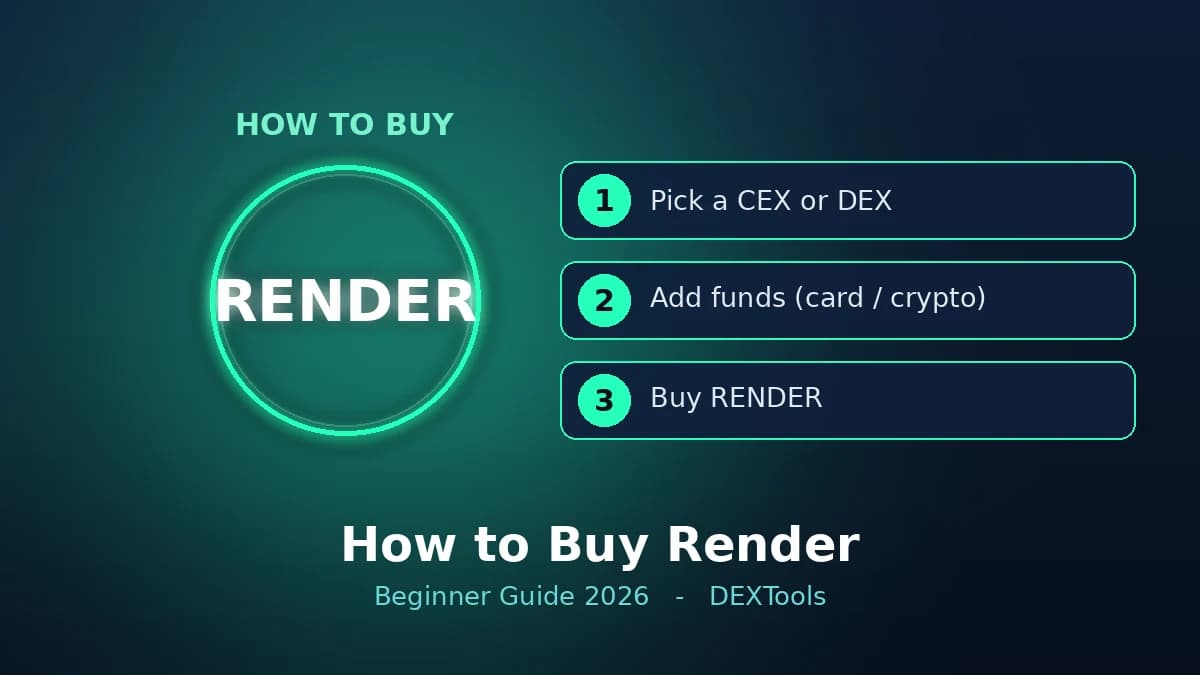
If you're looking to understand how to buy Render (RENDER), you've come to the right place. RENDER, the native utility token of the Render Network, can be acquired through two primary methods: on a centralized cryptocurrency exchange (CEX) or a decentralized exchange (DEX). The live RENDER price above provides real-time market data to help you make informed decisions.
What Is Render (RENDER)?
Render (RENDER) is an ERC-20 utility token that powers the Render Network, a decentralized GPU rendering network. The Render Network aims to revolutionize the digital creation process by connecting users who need GPU power for rendering with those who have idle GPUs to offer. This allows for faster, more efficient, and more cost-effective rendering of high-quality 3D content, motion graphics, and visual effects.
Artists and studios can use RENDER tokens to pay for rendering services on the network. Conversely, GPU providers earn RENDER tokens by contributing their computational power to complete rendering jobs. This creates a robust, peer-to-peer marketplace for GPU resources, democratizing access to high-end rendering capabilities and fostering innovation in fields like metaverse development, NFTs, and AI.
How to Buy Render: Step by Step
Whether you choose a CEX or a DEX, the general process for how to buy Render involves a few key steps. Here's a breakdown:
- Step. Pick a Reputable Exchange or Wallet: Decide whether you want to use a centralized exchange (like Binance, Coinbase, or Kraken) or a decentralized exchange (like Uniswap or PancakeSwap). For DEXs, you'll need a compatible self-custody wallet (e.g., MetaMask, Trust Wallet).
- Step. Create an Account or Connect a Self-Custody Wallet: If using a CEX, you'll need to create an account, complete KYC (Know Your Customer) verification, and link a payment method. For a DEX, simply connect your existing self-custody wallet.
- Step. Deposit Funds: On a CEX, deposit fiat currency (USD, EUR, etc.) via bank transfer, debit/credit card, or other supported methods. Alternatively, you can deposit other cryptocurrencies. For a DEX, ensure your self-custody wallet has enough Ethereum (ETH) or another supported cryptocurrency to swap for RENDER, plus a small amount for gas fees.
- Step. Buy RENDER: Navigate to the trading section of your chosen CEX or DEX. Search for the RENDER trading pair (e.g., RENDER/USD, RENDER/ETH, RENDER/USDT). Enter the amount of RENDER you wish to buy or the amount of fiat/crypto you want to spend, and execute the trade.
- Step. Withdraw to Your Own Wallet (Optional but Recommended): After purchasing on a CEX, it's generally advisable to withdraw your RENDER tokens to a secure, self-custody wallet that you control. This gives you full ownership of your assets.
Where to Buy Render
RENDER is widely available across various platforms. Your choice depends on your preference for convenience, fees, and control over your assets.
Centralized Exchanges (CEXs)
CEXs are typically the easiest entry point for beginners. They offer user-friendly interfaces, often support fiat currency deposits, and provide customer support. Major CEXs where you can buy RENDER include:
- Binance
- Coinbase
- Kraken
- KuCoin
- Gate.io
When using a CEX, remember that you don't hold the private keys to your crypto until you withdraw it to your own wallet.
Decentralized Exchanges (DEXs)
DEXs allow you to trade cryptocurrencies directly from your self-custody wallet, without an intermediary. This offers greater control and privacy. RENDER is primarily an ERC-20 token, so you'll find it on Ethereum-based DEXs such as:
- Uniswap
- SushiSwap
To use a DEX, you'll need a compatible wallet like MetaMask and sufficient ETH to cover gas fees for transactions.
How to Buy Render on a DEX
Buying RENDER on a DEX offers a direct, peer-to-peer experience. Here's a simplified guide:
- Step. Connect Your Wallet: Go to your preferred DEX (e.g., Uniswap) and connect your self-custody wallet (e.g., MetaMask).
- Step. Select Tokens: Choose the cryptocurrency you want to swap from (e.g., ETH, USDC) and then select RENDER as the token you want to receive. Ensure you have the correct RENDER token by verifying its contract address. You can easily find and verify the correct RENDER contract address on DEXTools.
- Step. Enter Amount: Input the amount of RENDER you wish to buy or the amount of your existing crypto you want to spend. The DEX will show you the equivalent amount you'll receive.
- Step. Approve and Swap: The first time you swap a new token, you might need to approve the DEX to spend that token from your wallet. After approval, confirm the swap. Review the transaction details, including gas fees, and confirm in your wallet.
- Step. Verify the Token: After the transaction is confirmed on the blockchain, your RENDER tokens will appear in your connected wallet. You can always verify the transaction and token details on DEXTools.
How Much RENDER Should You Buy?
The decision of how much RENDER to buy is entirely personal and depends on your individual financial situation, risk tolerance, and investment goals. It's crucial to only invest what you can afford to lose. The live RENDER price above can help you understand the current market value, but it does not dictate how much you should purchase.
Many investors use a strategy called Dollar-Cost Averaging (DCA), where they invest a fixed amount of money at regular intervals (e.g., weekly or monthly), regardless of the price. This approach can help mitigate the impact of market volatility over time.
How to Store Render Safely
Once you've learned how to buy Render, securing your tokens is paramount. Leaving large amounts of cryptocurrency on an exchange carries risks. Self-custody wallets offer greater security.
Hardware Wallets (Cold Storage)
For the highest level of security, especially for significant amounts of RENDER, a hardware wallet (e.g., Ledger, Trezor) is recommended. These devices store your private keys offline, making them virtually immune to online hacks.
Software Wallets (Hot Storage)
Software wallets (e.g., MetaMask, Trust Wallet) are convenient for frequent transactions. While generally secure, they are connected to the internet, making them slightly more vulnerable than hardware wallets.
Regardless of your chosen wallet, always:
- Safeguard your seed phrase (recovery phrase) in a secure, offline location. Never share it with anyone.
- Enable two-factor authentication (2FA) wherever possible.
- Be wary of phishing attempts and suspicious links.
Fees and Things to Watch
When buying RENDER, be aware of potential fees and risks:
- Exchange Fees: CEXs typically charge trading fees (maker/taker fees) and withdrawal fees.
- Network Fees (Gas Fees): On DEXs, you'll pay Ethereum gas fees for transactions. These can fluctuate based on network congestion.
- Slippage: On DEXs, especially with large orders or illiquid pairs, you might experience slippage, where the executed price differs slightly from the expected price.
Frequently Asked Questions
How do I buy Render?
You can buy Render (RENDER) on centralized cryptocurrency exchanges like Binance, Coinbase, or Kraken, or on decentralized exchanges such as Uniswap, using a self-custody wallet like MetaMask.
Where can I buy RENDER?
RENDER is available on major centralized exchanges including Binance, Coinbase, Kraken, and KuCoin. It can also be purchased on decentralized exchanges like Uniswap and SushiSwap.
What is the cheapest way to buy Render?
The cheapest way to buy Render can vary. Centralized exchanges often have lower trading fees but may have withdrawal fees. Decentralized exchanges incur gas fees, which can fluctuate. Comparing fees across platforms at the time of purchase is recommended.
Is Render a good investment?
We cannot provide financial advice. Whether Render is a good investment depends on your individual research, risk tolerance, and financial goals. Always do your own due diligence before investing in any cryptocurrency.
Can I buy Render with USD?
Yes, many centralized exchanges allow you to buy Render directly with fiat currencies like USD through bank transfers, debit/credit card payments, or other supported methods.
What wallet should I use for Render?
For secure storage, a hardware wallet like Ledger or Trezor is recommended. For more frequent transactions, software wallets such as MetaMask or Trust Wallet are suitable. Ensure your chosen wallet supports ERC-20 tokens.
How do I verify the correct RENDER token?
Always verify the official contract address for RENDER on reputable sources like DEXTools or the official Render Network website to avoid fake tokens and scams.
What are the fees for buying Render?
Fees typically include trading fees on centralized exchanges, network (gas) fees on decentralized exchanges, and potential withdrawal fees. These can vary based on the platform and network congestion.