How to Use TronLink Wallet: Complete Beginner's Guide (2026)
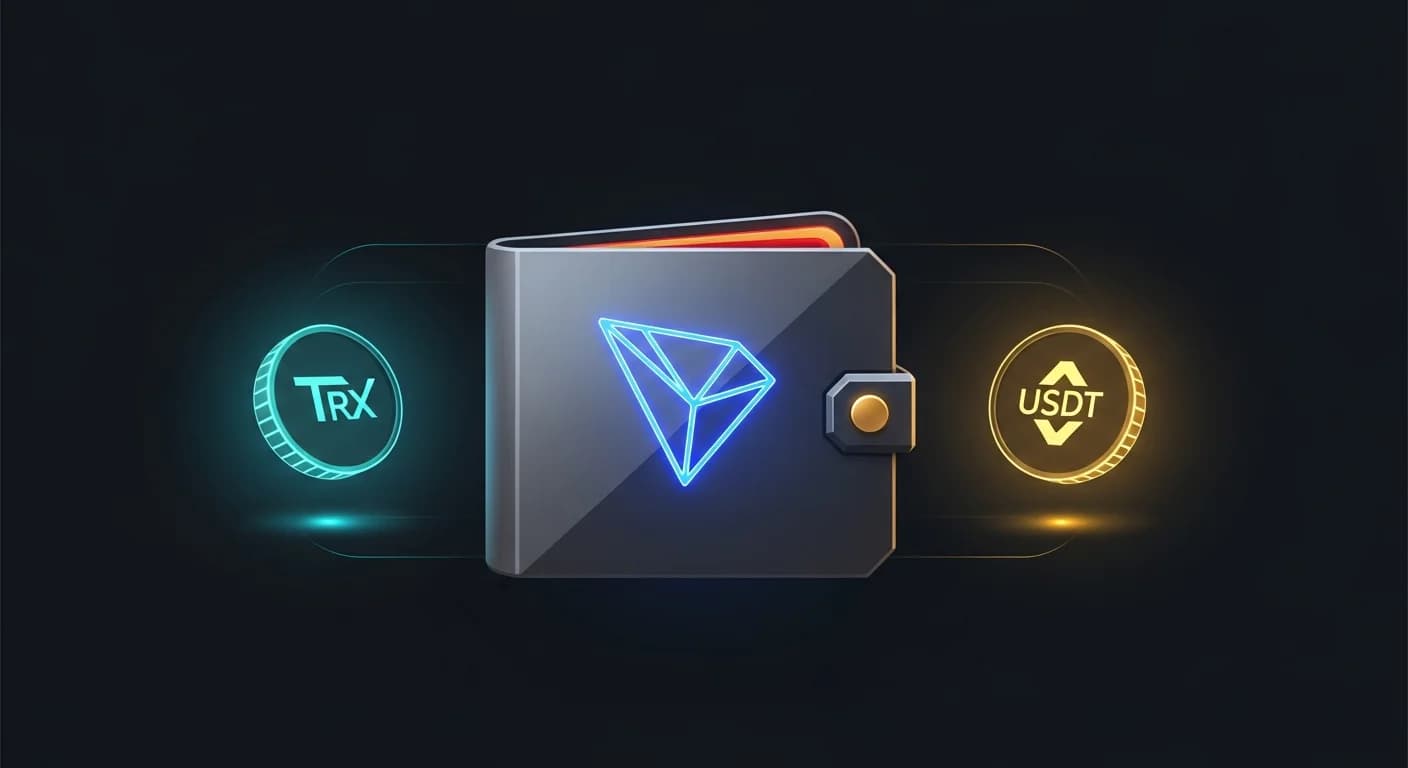
TronLink is the wallet most people meet first when they enter the TRON ecosystem. It is the default option for TRX, USDT-TRC20, JustLend, SunSwap, SunPump, and almost every TRON-native dApp. The setup is easy enough that many beginners click through without thinking about security, and that is exactly when most of the avoidable mistakes happen. This guide takes the install, backup, transfer, and dApp connection flow slowly, so the wallet is set up correctly the first time.
Quick answer: TronLink is the official browser extension and mobile wallet for TRON. To use it, install the extension or app from the official source, create a new wallet, write the seed phrase down on paper, set a strong password, fund the wallet with TRX and USDT, and connect to dApps from inside the wallet's browser. Treat the seed phrase like the keys to a vault and never share, photograph, or store it in the cloud.
- The seed phrase is the wallet. Anyone who sees it can move every token immediately and irreversibly.
- Install only from official sources. Fake TronLink extensions are one of the oldest scams in TRON.
- You need TRX for fees. Energy and bandwidth come from TRX, even if you only ever transfer USDT.
- dApp connections are scoped. Connecting does not move funds, but signing a malicious approval can drain a wallet.
- For larger balances, use a hardware wallet. Pair Ledger with TronLink as the front end and keep the keys offline.
Installing TronLink the right way
The first decision is browser extension or mobile app. Power users tend to use both, with the same seed phrase imported into each. Beginners can start with one and expand later.
Browser extension
The TronLink browser extension is available for Chrome, Brave, Edge, and other Chromium-based browsers. Always install it from the official Chrome Web Store entry, not from a search-engine ad or a third-party page. Fake versions exist and they exist for one reason: to steal seed phrases. After installing, pin the extension to your toolbar so it is easy to spot if a phishing page tries to mimic it.
Mobile app
The mobile app is on the App Store and Google Play. Search "TronLink Wallet" and verify the publisher is TronLink. Inside the app, the same seed phrase from your browser extension can be imported, so you keep one wallet across devices. The mobile app also includes an in-app browser, which is the safest way to access TRON dApps from a phone.

Create a wallet and back up the seed phrase
The most important step is the one most beginners rush. The seed phrase, also called recovery phrase, is the master key. Anyone with it can recreate the wallet on any device and move every token in seconds.
Generating the wallet
When you open TronLink for the first time, choose Create Wallet and set a strong password. The wallet then displays a 12-word seed phrase. Write it on paper. Then write it again on a second piece of paper and store both copies in different physical places. Do not screenshot it. Do not save it in a cloud note. Do not paste it into any chat or email.
Verifying the backup
The wallet will ask you to type the words back in the correct order. Do this slowly. The verification step is the only built-in protection against mishearing or misspelling words during the original write-down.
Optional: hardware wallet pairing
For larger balances, pair Ledger with TronLink. Ledger keeps the private keys inside the device, while TronLink acts as a friendly front end. Approving any transfer requires physically pressing a button on the Ledger, which protects you from clipboard malware and remote signing attacks.
Send and receive TRX and USDT
Once the wallet exists, the everyday flow is simple: receive TRX or USDT into the wallet, then send to other users or dApps as needed.
Receiving
Click Receive. The wallet shows your TRON address (it always starts with the letter T) and a QR code. Share that address or QR with the sender. New TRON addresses may need to be activated with a first inbound transfer of TRX, after which they are usable for everything.
Sending TRX
Click Send, choose TRX, paste the recipient's address, enter the amount, and confirm. The wallet shows a small bandwidth fee that is usually free using your daily allowance.
Sending USDT-TRC20
Choose USDT-TRC20 from the asset list and follow the same flow. Make sure the recipient's address is a TRON address and that the receiving exchange or wallet expects TRC-20. We have a deeper guide at how to send USDT on TRON.

TRX, energy and bandwidth
TRON does not charge fees in USDT. It charges them through energy (smart contract execution) and bandwidth (transaction size), both paid in TRX. A wallet without any TRX cannot transfer USDT.
Burning TRX vs staking TRX
By default, the wallet burns a small amount of TRX to cover fees. For frequent users, staking TRX returns recurring energy and bandwidth, which can make most transfers effectively free. The deeper explainer is at what are TRX energy and bandwidth.
Connect to TRON dApps
TronLink's main job beyond storage is signing for dApps. SunSwap, JustLend, SunPump, and many other TRON apps require a connected wallet. The connect step itself is free, but signing transactions inside the dApp is where the real risk lives.
How to connect
Visit a dApp and click its Connect Wallet button. Choose TronLink. The extension or app shows a connection prompt with the website's domain and the requested permissions. Read the domain carefully. Common phishing tricks replace one letter (zero for "o", capital "I" for lowercase "l") to mimic real sites.
Spend approvals are not the same as transfers
Some dApps ask the wallet to grant a token approval, which lets the contract pull tokens from your address whenever it wants. Approve only the exact amount needed for the operation, and revoke old approvals you no longer use. Tools like TRONSCAN can show your active approvals.

Security mistakes that drain TronLink wallets
- Phishing extensions: fake "TronLink" listings that copy the logo and steal seed phrases at first run.
- Cloud-stored seeds: taking a screenshot of the recovery phrase or pasting it into Notes or email.
- Address spoofing: malware that swaps the clipboard so a different address gets pasted.
- Blind signing: approving a smart-contract interaction without reading what is being authorized.
- Stale approvals: leaving unlimited token approvals enabled for dApps you no longer use.

TronLink vs other TRON-compatible wallets
| Wallet | Best for | Main caution |
|---|---|---|
| TronLink | Native TRON dApp connect, browser + mobile | Hot wallet, install only from official source |
| Trust Wallet | Multi-chain mobile users with TRON exposure | Less direct integration with TRON dApps |
| Ledger + TronLink | Long-term holders, larger balances | Slightly slower flow, requires hardware device |

Practical first-week workflow
- Install only from official sources. Pin the extension to make impostors easier to spot.
- Back up the seed phrase offline. Two paper copies in different physical locations.
- Send a small test transfer first. Confirm receipt before moving larger amounts.
- Top up TRX for energy. Even a small buffer prevents stuck transfers.
- Audit dApp approvals monthly. Revoke anything you no longer use through TRONSCAN.
Keep exploring
Frequently asked questions
Is TronLink free to use?
Yes. The wallet itself is free. You only pay TRON network fees in TRX when sending tokens or interacting with smart contracts.
Can TronLink hold tokens other than TRX?
Yes. It supports TRX, all TRC-10 and TRC-20 tokens, and NFTs minted on TRON, including USDT, USDD, BTT, JST, and SUN.
How do I import an existing wallet into TronLink?
Choose Import Wallet on first launch and paste the 12-word seed phrase. The same seed phrase works on any TRON-compatible wallet that supports the standard derivation.
What happens if I lose my seed phrase?
If the wallet is still installed and unlocked, you can export the seed phrase from settings. If both the device and the seed are lost, the funds are unrecoverable. There is no central support that can restore access.
Is TronLink the same as Tron Wallet?
No. TronLink is one specific wallet by a specific team. Other apps may also call themselves "TRON wallet" but only TronLink uses the official branding and is integrated with the TRON Foundation.
Final takeaway: TronLink is small, fast, and integrated with everything that matters on TRON. Treat the seed phrase like the keys to a vault, install only from official sources, and review dApp approvals on a regular schedule.
Disclaimer: This guide is for educational purposes only and does not constitute investment, financial, legal, or trading advice. Self-custody means you are responsible for your own keys.
Related Guides
- How to Withdraw from a CEX to Self-Custody Wallets
- What Is Wallet Poisoning? Crypto Security Guide 2026
- Wallet Nonce: Fix Stuck Transactions (2026)
- What Is wagmi: React Hooks, Wallet Connectors and EVM State (2026)
- What Is Turnkey: Key Management, Signing and Wallet Infrastructure (2026)
Frequently Asked Questions
What is TronLink wallet?
TronLink is a self-custody wallet for the TRON ecosystem, available as a browser extension and mobile app. It lets you store TRX and TRC-20 tokens, connect to dApps, and manage TRON resources.
How do you set up and back up TronLink?
You create a wallet, then securely write down the seed phrase it generates and store it offline. The seed phrase is the only way to recover your wallet, so it should never be shared or stored online.
How do you send TRC-20 USDT with TronLink?
You select the token, enter the recipient's TRON address, and confirm the transfer while ensuring you have enough energy or TRX for the fee. Always double-check the address before confirming.
How do I keep my TronLink wallet secure?
Keep your seed phrase offline, only connect to trusted dApps, and verify website addresses to avoid phishing. Never enter your seed phrase into any website or share it with support staff.